

Download NinjaTrader indicators safely is one of the most important steps for traders who want reliable tools without risking corrupted files or malware. Futures traders rely on indicators to guide entries, exits, and risk management, but unsafe downloads from random forums can expose them to bad code and unstable performance.
This guide explains the risks of unsafe downloads, shows where to find trusted community indicators and third‑party add‑ons, and shares best practices to keep your platform secure.
Why Safe Downloads Matter
NinjaTrader indicators are powerful tools, but only if they are safe. Downloading from random forums or unverified sites can damage your platform. Corrupted files may cause crashes, while bad code can lead to inaccurate signals. Safe downloads protect both your trading performance and your computer. By sticking to trusted sources, traders avoid unnecessary risks and keep their NinjaTrader 8 setups running smoothly.
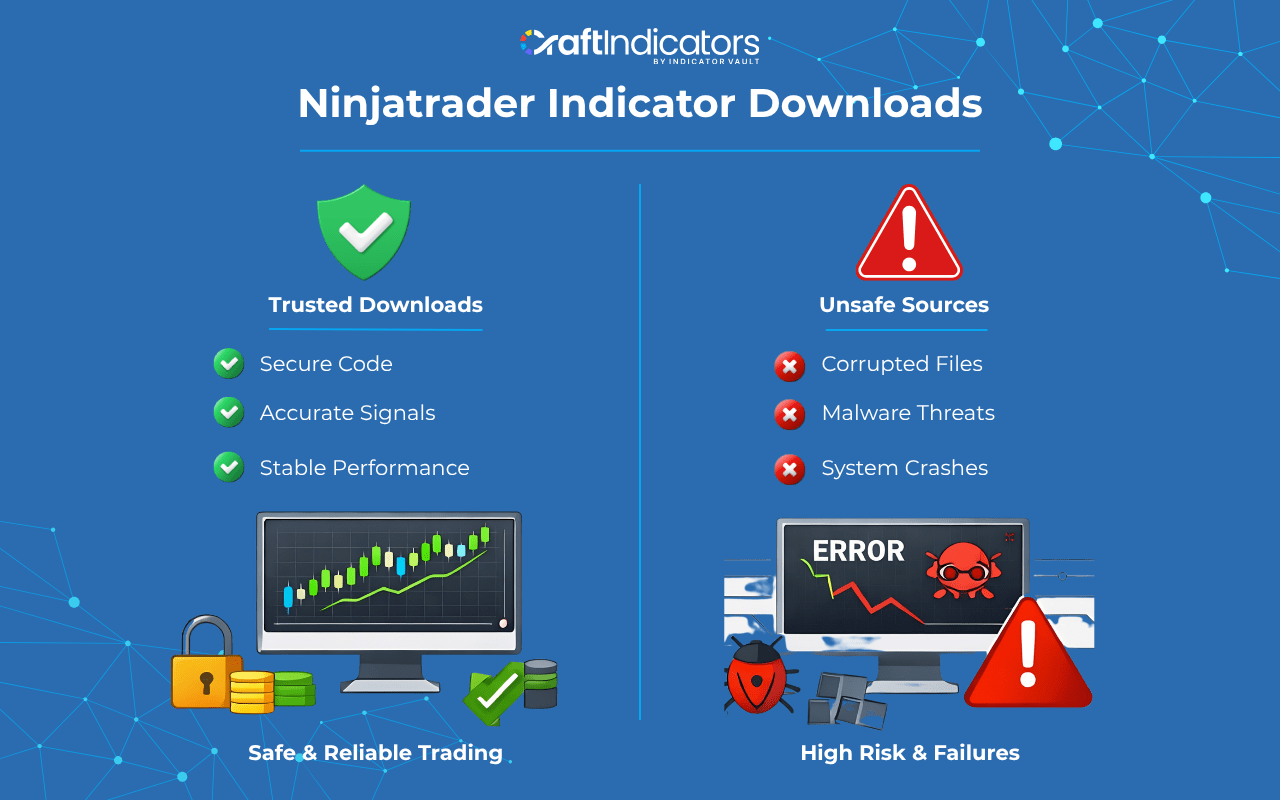
Risks of Downloading Indicators from Unverified Sources
Unverified downloads often carry hidden dangers. Malware can be disguised inside indicator files, exposing traders to security threats. Corrupted NinjaTrader files may cause instability, freezing charts or breaking templates. Bad code is another risk. Poorly written indicators can deliver false signals, leading to trading errors and losses. In fast futures markets, even one bad signal can cost a trader heavily. That’s why safe downloads are essential.
Trusted Sources To Download NinjaTrader Indicators
The safest place to find indicators is the official NinjaTrader Ecosystem. It offers verified tools and vendor listings. Another trusted option is reputable vendor websites like Craft Indicators, which provide clean code and ongoing support. Community marketplaces with moderation and reputation systems are also safer than random file‑sharing links. By choosing trusted sources, traders reduce the risk of corrupted files and bad code.
Comparison Table: Safe vs Unsafe Sources
| Source Type | Safe or Unsafe | Why It Matters | Example Use Case |
| NinjaTrader Ecosystem | Safe | Verified vendors, official updates | Downloading trend tools |
| Reputable vendor websites | Safe | Clean code, support, regular updates | CraftIndicators custom indicators |
| Moderated communities | Safer | Reputation system, peer reviews | EliteTrader forums |
| Random file‑sharing links | Unsafe | Risk of malware, corrupted files | Unknown downloads |
| Unverified forums | Unsafe | No checks, bad code risk | Anonymous posts |
How to Verify Indicator Safety Before Installing
Before adding any NinjaTrader indicator, traders should follow a simple checklist to avoid corrupted files and bad code:
- Scan the file with antivirus software: Always run a quick scan before opening or installing. This helps detect malware hidden inside indicator files.
- Check vendor reputation and reviews: Look for feedback from other traders. Trusted vendors and communities provide cleaner code and safer downloads.
- Test in simulation mode first: Never install directly into a live account. Use NinjaTrader’s simulation mode to confirm the indicator works as expected.
- Confirm NinjaTrader 8 compatibility: Make sure the indicator is updated for the latest NinjaTrader 8 version. Outdated code can cause crashes or errors.
- Back up your templates and workspace: Save your current setup before installing new tools. This way, you can restore your charts if something goes wrong.
Best Practices for Using Free vs Paid Indicators
Free NinjaTrader indicators are useful for testing strategies and learning workflows. They give traders a low‑risk way to explore futures trading tools. But free downloads may lack updates, support, or clean code.
Read More: Top 10 Free NinjaTrader Indicators Every Trader Should Try
Paid indicators from trusted vendors often include professional coding, regular updates, and built‑in risk management. Tools like Order Block Gen, Supply Demand Pro, and Natural Momentum are examples of safe, advanced upgrades. They provide sharper signals and reduce the risks of bad code.
Read More: Best NinjaTrader Indicators for Futures Trading
Comparison Table: Free vs Paid Indicators
| Indicator Type | Pros | Cons | Best Use Case |
| Free | No cost, good for testing setups | May lack updates, support, clean code | Beginner traders |
| Paid | Professional coding, regular updates, support | Cost investment required | Advanced traders |
| Free + Paid Mix | Balanced approach, test then upgrade | Requires discipline to manage stack | Transition setups |
Final Thoughts: Build a Secure Indicator Stack
Safe downloads protect traders from corrupted files and bad code. By using trusted sources, verifying files, and balancing free and paid tools, futures traders can build a secure NinjaTrader setup. In 2026, the best traders combine caution with precision. They start with free indicators, verify every download, and upgrade to custom tools when ready. A secure indicator stack is the foundation of confident, disciplined futures trading.
Also, follow us for all the promotions and other useful topics:
-
- Facebook: www.facebook.com/craftindicators
- Instagram: www.instagram.com/craftindicators
